FREE SHIPPING ON QUALIFYING ORDERS OVER $99.99! DETAILS

Get 10% OFF paper when you purchase with any printer!
Whether you own a fine art reproduction studio, a photographic studio, or just a hobbyist with a desire to print your own photos, an inkjet printer is a good choice for a number of reasons. Besides offering breathtaking quality, inkjets are surprisingly affordablle and economical to operate.


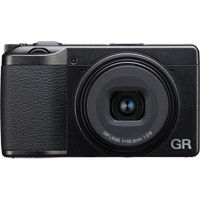
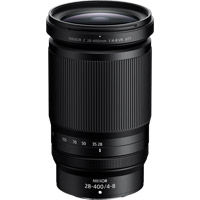
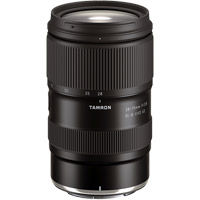
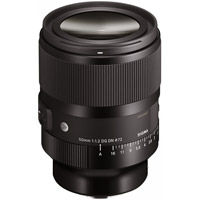

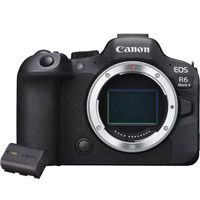
Canon EOS R6 Mark II Full Frame Mirrorless Camera Body With LP-E6NH Battery Pack
Save: $319.99$3,099.00
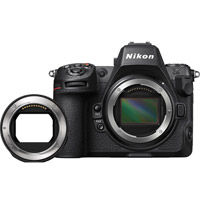
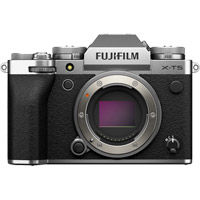

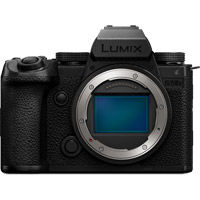
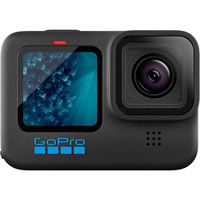
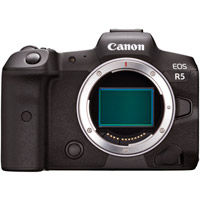
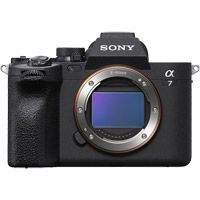
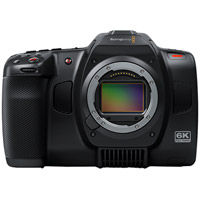
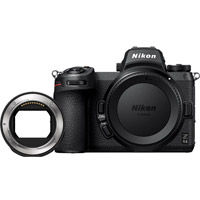

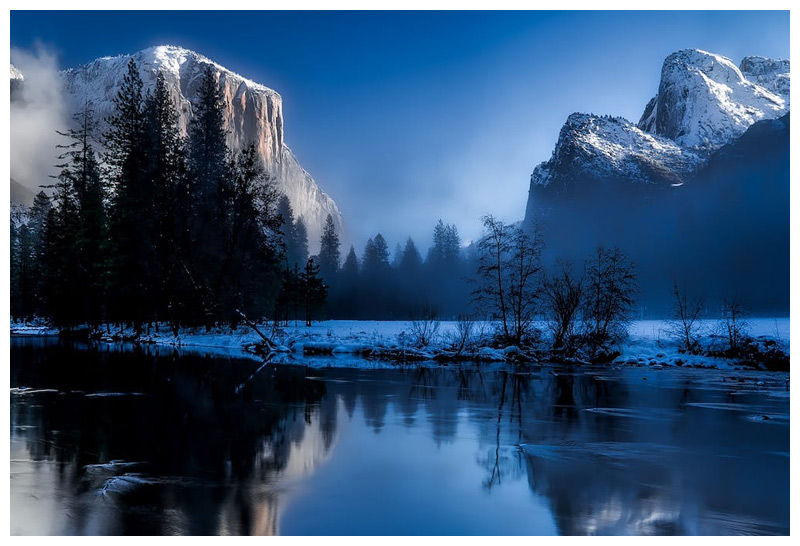
Shop for great photo books & photo gifts!
What’s stopping you from starting your own photo gallery? Seriously, start looking for a suitable wall. Because if you have a collection of photos to show off, Vistek can take your pictures and turn them into gorgeous prints on paper or canvas.



Popular Categories
.jpg?tr=w-134) CAMERAS
CAMERAS .jpg?tr=w-134) DRONES
DRONES .jpg?tr=w-134) VIDEO
VIDEO .jpg?tr=w-134) LIGHTING
LIGHTING  LENSES
.jpg?tr=w-134) TRIPODS
TRIPODS.jpg?tr=w-134) GIMBALS
GIMBALS.jpg?tr=w-134) AUDIO
AUDIO.jpg?tr=w-134) PRINTERS
PRINTERS.jpg?tr=w-134) PAPER
PAPER.jpg?tr=w-134) BAGS
BAGS .jpg?tr=w-134) MEMORY
MEMORY

.jpg)
.jpg)
.jpg)

.jpg)
.jpg)
Feature Brands